
Multimedia & Web Tech
Core topics and current thinking
5 entries
- Flash websites: How immersive intros, animated navigation, sound loops, and game-like interfaces shaped the web before mobile performance and plugin security concerns pushed them out.
- Classic media formats: Plain-language explainers of SWF, GIF, QuickTime, RealMedia, MIDI, and other formats that made early browser media feel experimental.
- Browser experiences: Retrospectives on pop-ups, frames, embedded players, preloaders, and interface patterns that made websites feel more like software than documents.
- MP3 culture: Guides to how compressed audio, file sharing, web radio, fan pages, and portable players changed the way people discovered music online.
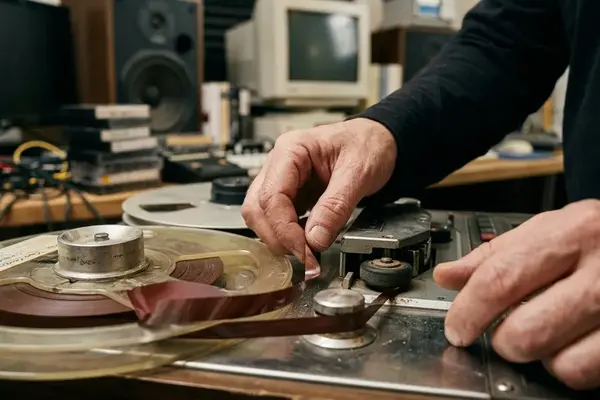
- Preservation lessons: Practical notes on emulation, archival context, broken embeds, and what modern creators can still learn from old interactive media.



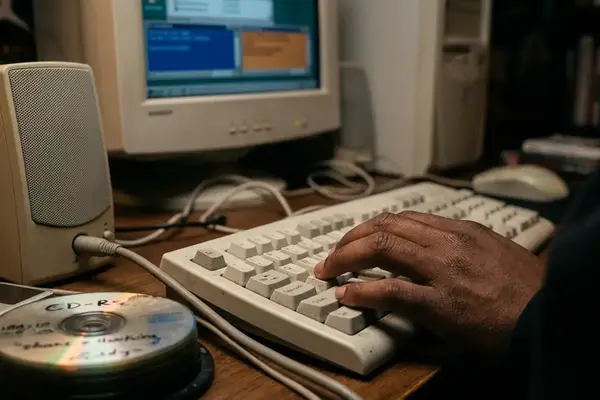
Navigating the remnants of the early multimedia web requires a mix of digital archaeology and modern emulation. While many original files sit dormant on aging hard drives or within incomplete web archives, bringing them back to life is entirely possible without compromising modern browser security.
To safely view an archived SWF file today, start by downloading the standalone Ruffle emulator desktop application rather than attempting to install outdated browser plugins. Locate a legacy Flash file—perhaps an old interactive menu saved from the Internet Archive—and save it locally to a dedicated folder. Open Ruffle, drag the .swf file directly into the application window, and the emulator will translate the ActionScript on the fly, restoring the original sound loops and vector animations exactly as they appeared two decades ago.