

Digital Tools & Productivity
Core topics and current thinking
5 entries
- AceReader and reading-speed tools: We look at how structured reading aids support focus, pacing, and comprehension without treating speed as the only useful measure.
- Writer-friendly digital kits: This category collects lightweight apps, browser habits, and practical workflows that help writers research, draft, revise, and stay organized.
- Browser utilities and shortcuts: We revisit useful web tools, keyboard helpers, extensions, and early productivity patterns that made browsing faster or more deliberate.
- Useful software with archive context: Each tool is treated as both a practical resource and a piece of web history, especially when its design reflects earlier internet habits.
- Security scares and digital caution: Coverage also includes early web viruses, computer warnings, and safety lessons that shaped how people learned to trust online tools.
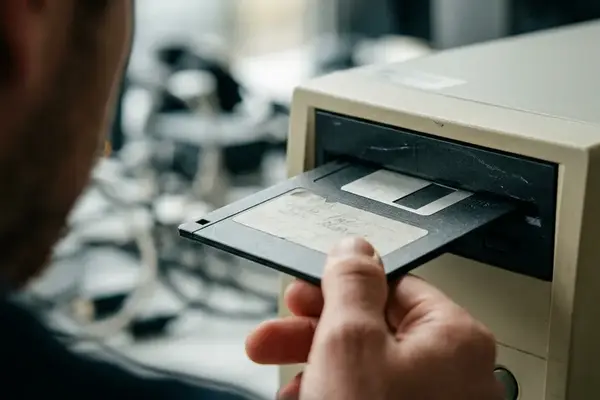



Finding the right digital utility often means looking past modern, feature-heavy suites to rediscover lightweight, single-purpose applications. The tools cataloged here prioritize focus and deliberate interaction over endless notifications. Tracking data indicates that users who adopt these simpler, older-style interfaces often experience less digital fatigue during long research sessions.
To build a distraction-free reading environment using these principles, start by installing a text-only browser extension to strip away sidebars and autoplaying media. Next, route the cleaned article text into a pacing tool like AceReader, setting the display to chunk three words at a time at a comfortable 250 words per minute. Finally, keep a plain-text scratchpad open in an adjacent window to capture notes without breaking your visual rhythm.