Quick Nav
- The Five-Minute Desk Audit
- Choose Tools by Writing Job, Not by Hype
- Create One Inbox for Lines, Links, and Stray Ideas
- Keep the Drafting Space Boring on Purpose
- Build a Source Shelf You Can Trust Later
- Protect the Work Before You Need the Rescue
- Add a Two-Pass Review Loop
- A Copyable Toolkit for a Weekend Essay
The Five-Minute Desk Audit
Start where the mess is visible
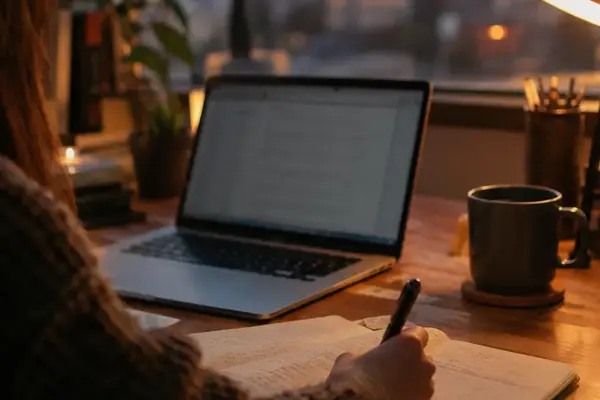
A writer sits at the kitchen table before a deadline: half-filled notebook open beside a cooling mug, ten browser tabs blinking for attention, a voice memo on the phone, and a draft split between a laptop document and a notes app.
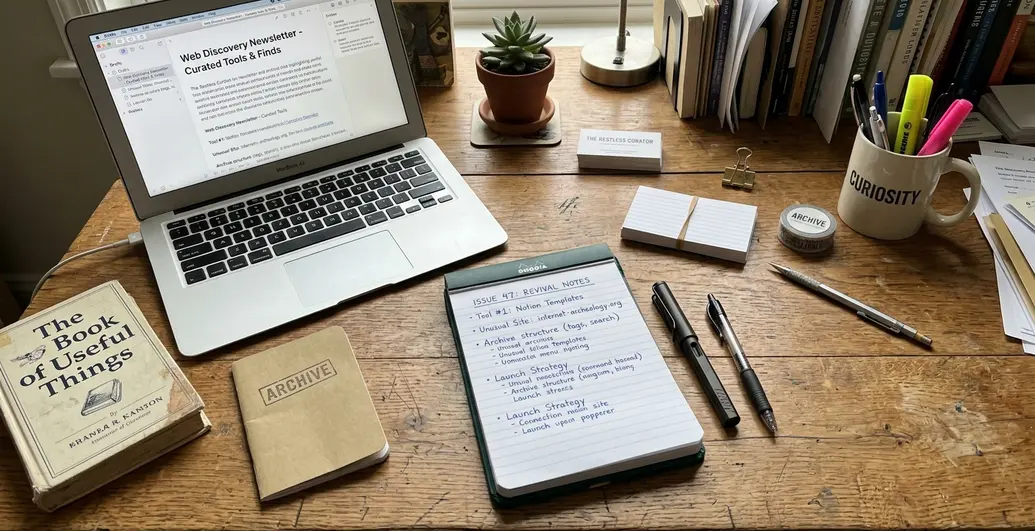
The problem is not a lack of material. The useful lines are already there. The friction lives in the handoff from capture to draft, from link to source note, from rough paragraph to finished piece. That handoff is where a promising web find becomes a forgotten tab.
A five-minute audit is enough to expose the worst leak. Spend a minute or two counting open tabs, a minute or two checking loose notes, a minute or two locating every active draft, then use the remaining time to name the single ugliest handoff.
Field Note: If a draft lives in more than two places, if captures land in more than one unsorted pile, or if saved links lack dates and context, the toolkit is already asking the writer to remember too much.
A lightweight digital toolkit is not a grand productivity system. It is a small set of repeatable tools, usually four to six, covering capture, drafting, source storage, backup, and review. Reference management joins the shelf only when citations recur often enough to justify the upkeep.
Choose Tools by Writing Job, Not by Hype
Name the labor before naming the app
Every tool needs a job it performs clearly. That one sentence saves more time than any tour through shiny digital tools & productivity lists.
The core jobs are plain: capture, drafting, research storage, reference management, backup, and review. A tool passes the first test when its purpose can be explained in one short sentence. If the explanation gets foggy, the tool probably overlaps with something already installed.
Two approaches compete here. The first collects apps by feature: a clipper here, an outliner there, a second notes app because it handles tags with more grace. The other assigns one dependable place to each writing job and refuses duplicates for the same project. That second approach wins for most writing because retrieval beats elegance under deadline pressure.
- Capture: the fastest safe place for raw lines, links, and reminders.
- Drafting: the room where paragraphs are built and reordered.
- Research storage: the shelf for links, PDFs, quotes, and source notes.
- Reference management: useful when formal citation work repeats.
- Backup: the quiet insurance layer.
- Review: the checklist and tools used after the draft exists.
If two tools perform the same job for the same piece, choose the one that contains the most recent work and retire the other for that project.
Create One Inbox for Lines, Links, and Stray Ideas
Fast capture beats elegant capture
The inbox should be chosen by speed and retrieval, not by charm. A phone notes app works. So does a plain text file, an email-to-self folder, or a pocket notebook paired with a transfer habit.
The capture template stays small: idea, source, possible use, and date. That is enough to rescue meaning later without turning every passing thought into clerical work.
For web-discovery writing, context matters more than usual. Unusual sites, old directories, tool pages, and internet-culture fragments often look obvious in the moment and cryptic a week later. Save the original page title, visible creator or organization, referring page or search path, and a one-sentence reason for saving.
Important: If a new idea takes more than half a minute to store, the capture system is too elaborate for field use.
Paper still has a place. Move notebook items into the digital inbox within a day or two, while the surrounding clues remain recoverable. The old failure case is painfully ordinary: a writer saves an unusual directory URL, records nothing else, and later the page title changes or the link redirects. The reason it mattered to the essay is gone.
Keep the Drafting Space Boring on Purpose
Reduce decisions while sentences are forming
A drafting tool should not perform a magic trick. It should make the next sentence easy to find.
Plain text editors, Markdown editors, simple word processors, and focused writing apps all qualify when they keep the draft portable. Use.txt for plain prose,.md for lightweight structure, and.docx when editors or clients expect comments, formatting, or tracked exchange.
The target setup is modest: one active draft file, one visible outline or heading list, and no more than one companion notes pane. That leaves attention for order, emphasis, tone, and evidence.
Mid-project switching deserves a high bar. Change tools only when the current setup blocks a required action such as exporting, recovering text, sharing comments, or writing offline. Grammar checks, spelling passes, read-aloud tools, and AI-assisted suggestions belong after a rough draft exists or after a section reaches roughly a thousand words.
Bottom Line: A boring drafting space is not a lack of ambition. It is protection against fiddling when the work needs sentences.
Collaborative assignments can justify a heavier environment from the start, especially when an editorial template is mandatory. For a solo essay, a quiet file usually ages better.
Build a Source Shelf You Can Trust Later
Save meaning, not just addresses
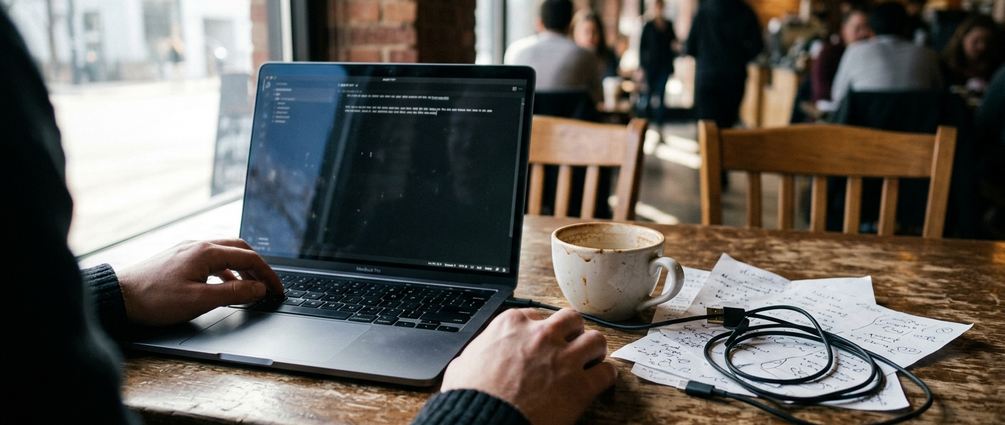
The source shelf is a retrieval system, not a trophy case for interesting tabs. It should hold saved links, PDFs where appropriate, quotes, notes, and source context in one searchable place.
Minimum records are simple: URL, page title, creator or organization if visible, publication or update date if visible, access date, and why the source matters. For web finds & curiosities, the why can be the whole story.
Record the path of discovery in one to three steps: search query to old directory to linked tool page, or newsletter archive to forum post to maker page. That trail explains why a strange resource belonged in the piece at all.
- Attach each saved source to a project, question, or recurring theme within a week or so.
- Store quoted passages beside the source record.
- Add one sentence explaining the intended use of the quote.
- Keep links and downloaded files near the same project folder when possible.
Citation-heavy academic writing may need a dedicated reference manager. A short newsletter archive note about a forgotten web tool may only need a reliable source shelf with dates, titles, and context.
Protect the Work Before You Need the Rescue
Build the rescue before the bad night
Lost drafts usually announce themselves after pressure has started. The fix is not dramatic. Keep one synced copy plus one separate local copy, and check that pattern every week or two during active projects.
Meaningful file names help more than clever folders. Use a pattern such as project-slug_piece-type_status_date: weekend-essay_draft_revised_2026-02-14. Version labels can stay human: draft, revised, submitted, published, and archive.
The Library of Congress frames personal files as things that should be organized, described, and stored in more than one place through its Library of Congress personal digital archiving guidance. That principle scales down cleanly for ordinary writing work.
Writers do not need an institutional archive system, but they do need enough redundancy to survive a lost laptop or a closed app account. Enable multi-factor authentication for accounts that hold drafts, research notes, newsletters, client files, or payment-related correspondence. Use a password manager so the protection layer does not become another memory test.
Important: A draft in a phone note, a cloud document, and an exported file can become three competing drafts. Label the current working copy before the night-before-submission scramble begins.
Add a Two-Pass Review Loop
Separate structure from polish
Structure problems and sentence problems demand different attention. Fixing commas while the argument still wanders is like dusting a shelf before fastening it to the wall.
Run the structure pass first. Check claim clarity, section order, source support, transitions, and headline fit. For a short article, leave 20 to 60 minutes before the second pass. For a longer essay, sleep on it when the deadline allows.
The second pass catches quoted material, spelling, grammar, link behavior, file format, and final export location. Spellcheckers, grammar tools, and read-aloud features are assistants, not final editors. The read-aloud pass earns its keep on introductions, transitions, and conclusions if there is not time to read the full draft aloud.
- Does the headline match the actual promise?
- Does each main claim have source support or clear reasoning?
- Do transitions tell the reader why the next section follows?
- Are quotations copied accurately and tied to source records?
- Do links open where expected?
- Is the final export format the one the destination needs?
A Copyable Toolkit for a Weekend Essay
Run the whole system once before changing it
Build the first toolkit in one sitting, then use it for one complete project before replacing any tool. A weekend essay is the right size because it exposes weak handoffs without becoming a life reorganization project.
Use this setup: phone notes app for capture, one Markdown or document file for drafting, one research folder for links and PDFs, cloud storage plus one local backup, and a six-item review checklist.
- Friday, 45 to 75 minutes: Move lines, links, voice memo summaries, and notebook fragments into one inbox. Each item gets an idea, source, possible use, and date.
- Friday source shelf: Create one project folder. Save links and PDFs there, then add page titles, visible creators or organizations, dates when available, access dates, and one reason each source matters.
- Friday draft file: Name the file weekend-essay_draft_draft_2026-02-14, or use the actual project slug and date. Add working headings before writing full paragraphs.
- Saturday, first 60 to 90 minute session: Draft from the outline without opening new research tabs unless a missing source blocks a claim.
- Saturday break, 20 to 40 minutes: Step away from the screen. Return for a second 60 to 90 minute session and fill the weakest section first.
- Sunday, 30 to 45 minutes: Sync the folder, copy it to a local drive, run the structure pass, wait briefly, run the sentence-and-error pass, export the final file, and move the finished version into an archive folder labeled published.