The useful-writing web was built before feeds
The best online writing resources still feel like bookmark-era tools: direct, plain, and built for a specific interruption.
Before feeds trained everyone to wait for the next item, writers kept small private trails through the web. A university writing lab for citation questions. A personal reference page for tricky usage. A forum thread that explained why a sentence sounded wooden. A style manual page saved because it settled one recurring argument in a classroom or newsletter archive.
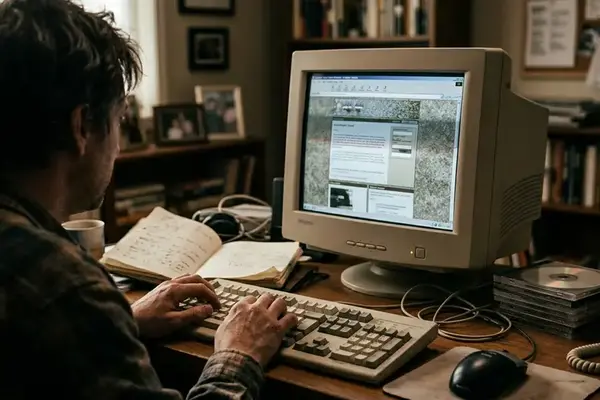
That late-1990s through mid-2000s habit matters here. Those pages were made for direct visits, saved bookmarks, classroom links, and search queries before the results page filled with thin summaries trying to answer everything at once.
This is a practical web-discovery list, not a grand ranking of every writing app with a blinking cursor. The useful test is narrower: does the resource reduce friction at a real writing moment?
- A 2-minute citation lookup.
- A 90-second word-choice check.
- A 5-to-12-minute sentence cleanup pass.
- A 10-to-30-minute research trail.
- A late-draft mechanics review.
Those moments are small, but they decide whether a draft keeps moving or sits open while the writer wanders into another tab.
How these writing resources made the cut
The shortlist favors tools that earn attention quickly. Each candidate had to make sense within roughly 30 to 180 seconds of opening it, with no mandatory installation for the core task and no more than a couple of setup steps before a writer can test it.
The practical test used ordinary assignments rather than idealized workflows: a citation or formatting question, a confused-word question, a tip-of-the-tongue vocabulary search, a 700-to-1,200-word draft revision, and a source-tracing task for an essay or newsletter item.
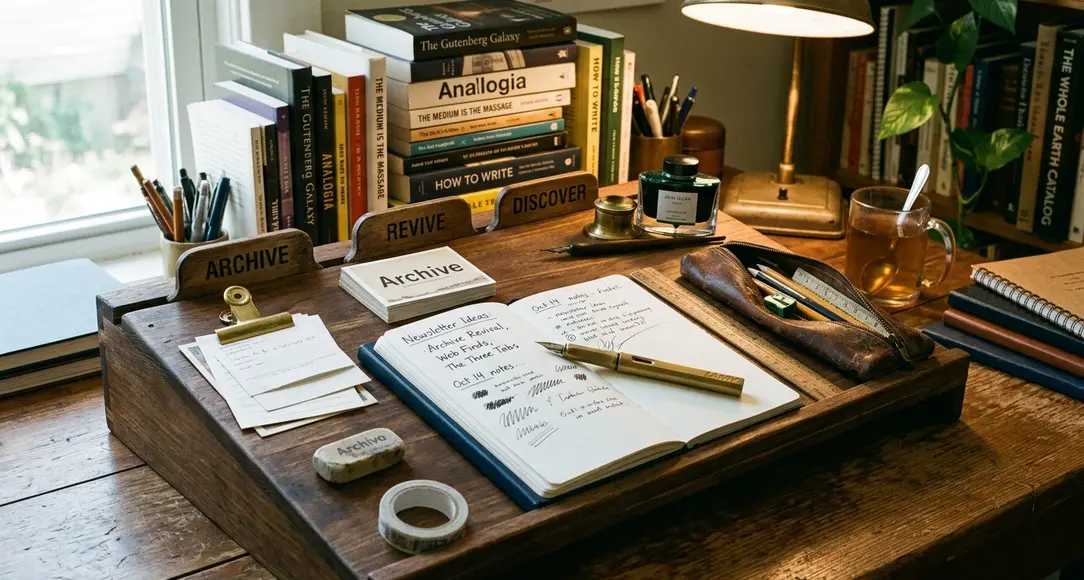
The audience is broad on purpose: writers, students, educators, newsletter editors, and curious web users who like web finds & curiosities that still do a job. It is not a legal, academic, or publishing-industry compliance guide.
Field Note: Long-running or primary resources get preference where they help, but institutional reputation alone does not carry a tool onto the bench. A famous site that slows down a common writing decision loses to a plainer page that answers the question cleanly.
That qualifier matters most with writing advice. A student writing for a class may need the instructor’s required style sheet over a public citation explainer, while a newsletter editor may value speed, clarity, and source-tracing more than strict academic formatting.
Reference tools that still solve the small problems
1. Purdue OWL: for citations, structure, and classroom-safe explanations
The Purdue Online Writing Lab remains useful because it understands the boring emergencies of writing. How should this source be formatted? What does an abstract usually do? How should a memo differ from an essay?
Best use runs in short windows: 3 to 12 minutes for citation or structure guidance. That is enough time to confirm a format, settle a paragraphing question, or give a student a clean explanation without opening a full handbook.
Its strength is academic and instructional writing. It should not replace a professor’s style sheet, a journal’s submission rules, or a publisher-specific guide, but it gives writers a dependable first stop when the draft needs structure instead of another opinion.
2. Merriam-Webster Usage Notes: for language questions with context
Usage anxiety wastes more time than most writers admit.
Merriam-Webster’s usage notes are useful because they explain language as it is used, not as a set of scolding plaques. They are especially good for commonly confused words, shifting grammar debates, and terms that carry more history than a simple right-or-wrong label can hold.
A 2-to-6-minute check often settles the matter. The writer gets context, examples, and enough confidence to choose a word without flattening the sentence into rulebook prose.
3. OneLook: for finding the word that is almost there
OneLook is the tab for the word sitting just out of reach.
Its reverse dictionary works best when the query describes a function, mood, object, or action in roughly 3 to 10 words. “Fear of open spaces” works better than a whole sentence explaining the paragraph. “Tool for measuring angles” gives the system something to chase.
That makes it more than a thesaurus. A thesaurus starts with a word the writer already has. OneLook helps when the writer has the shape of meaning but not the word itself, which is a different and more annoying problem.
Drafting tools that help without taking over
Revision tools belong after the writer has made the basic decisions about argument, audience, and shape. Open them too early and they start rewarding tidy fragments over finished thought.
Important: These tools cannot decide the argument, the intended reader, or whether a sentence’s rhythm is part of the piece’s voice. A long, rhythmic sentence may be carrying contrast, comic timing, or pressure; treat the highlight as a prompt, not an instruction.
4. Hemingway Editor: for spotting heavy sentences
Hemingway Editor is a visual density pass. It marks hard-to-read passages, adverbs, passive constructions, and sentences that may ask too much from the reader in one breath.
For drafts of roughly 600 to 1,500 words, the useful window is modest: 5 to 10 minutes to scan highlighted dense sentences. The writer does not need to obey every color. The point is to notice where the page gets muddy.
It is weakest when used as a style judge. Voice-driven essays, literary prose, and comic writing often need bends in rhythm. Hemingway is better as a flashlight than a foreman.
5. LanguageTool: for a second pass on mechanics
LanguageTool works well as a non-destructive review layer. It catches grammar issues, typos, repeated words, and line-level roughness without forcing the draft into one house voice.
That matters for multilingual writers and for anyone moving between essays, lesson materials, web copy, and digital tools & productivity notes. A tool that lets the writer accept, reject, and think is more useful than one that pretends every suggestion is settled law.
A practical mechanics pass can take 8 to 18 minutes after the density scan. That is where repeated words, small agreement problems, and accidental leftovers from earlier revisions tend to surface.
6. WordCounter: for practical constraints
WordCounter is not glamorous, which is part of its value.
It helps with word counts, keyword repetition, reading time estimates, and length discipline. Essays, newsletters, lesson materials, and web copy all have boundaries, even when nobody calls them boundaries. A 1,400-word draft meant to be a crisp note is not almost done; it is carrying extra furniture.
The tool gives the writer a quick measurement pass before deeper editing. Count, scan, cut, then return to the sentence.
Idea resources for writers who need better raw material
Cleaner sentences do not fix thin material. Sometimes the problem is not polish; it is that the draft has no texture yet.
7. The Internet Archive: for examples, texture, and forgotten formats
The Internet Archive is less a writing tool than a shelf with strange doors. Old manuals, magazines, public-domain books, zines, captured web pages, and cultural ephemera can all become models for voice, structure, and research leads.
Strong sessions here run longer than tool lookups: 15 to 45 minutes is a reasonable browsing window. A writer studying multimedia & web tech might find an old software manual that explains a feature more clearly than a modern post. A local culture piece might gain tone from a scanned neighborhood newsletter or event program.
Check rights, dates, and source reliability before quoting or reproducing material. Archive browsing is excellent for discovery; it is not a permission slip.
8. Google Books previews: for citation trails and context
Google Books previews are useful when a phrase, citation, or half-remembered reference needs a trail. The preview may not give the full source, but it can reveal surrounding context, bibliographic clues, older phrasing, and nearby terms worth searching elsewhere.
This is a patient tool. It rewards writers who follow footnotes, inspect editions, and notice the words people used before today’s keyword settled into place.
For newsletter archive work, that can be the difference between repeating a modern summary and finding the older argument underneath it.
9. Writing center handouts from universities: for teachable explanations
University writing center handouts often do one thing better than polished writing apps: they explain a writing move in teachable language.
Many cover thesis statements, paragraphing, revision checklists, genre conventions, and citation reminders in 1-to-6-page formats. That makes them especially useful for educators, students, and anyone building creative & learning resources around writing habits.
The best handouts are not exciting. They are clear enough to open during lesson planning, student conferences, or a late-night draft rescue when the question is not “write this for me” but “what am I trying to fix?”
Build a three-tab writing bench
The list becomes useful when it turns into a small habit.
For an 800-to-1,200-word essay or newsletter draft, keep the bench to three open tabs maximum during revision: one authority or reference tab, one word-finding tab, and one sentence-level or mechanics review tab.
- Open Purdue OWL for structure, citation, or a classroom-safe explanation.
- Open OneLook when the right word is close but not visible.
- Open Hemingway Editor or LanguageTool for a late-stage polish pass.
A 15-to-30-minute bench pass is enough: 4 to 8 minutes for structure or citation, 2 to 6 minutes for word finding, and 9 to 16 minutes for polish. That rhythm keeps the writer in charge while the tools handle the small frictions.
Bottom Line: Build the three-tab bench and keep it boring: Purdue OWL, OneLook, and one revision checker. That setup earns a browser tab because it supports the draft without trying to become the writer.