Regional Directories Made the Web Feel Local
The most useful early place-discovery tools were often the small regional directories, not the grand search boxes. In the late 1990s and early 2000s, many town, county, campus, and visitor-information sites still relied on hand-built link lists. They turned messy geography into something a reader could browse: town portals, tourism pages, university-curated local lists, chamber-of-commerce directories, neighborhood guides, and enthusiast-maintained link pages. This article explains how those directories worked, what kinds of local culture they surfaced, and how to use them today without mistaking them for complete historical records.
A regional directory was less like a phone book and more like a map of attention. It said, quietly and sometimes awkwardly, “Here is what this place thinks belongs near everything else.”
That is why these old pages still reward careful reading. A county links page may place a library beside a museum, a ferry schedule beside a weather station, or a school project beside a tourism board. Search can find a term. A directory can reveal a neighborhood of meaning.
Quick Nav
- How regional directories translated geography into categories
- What local culture search engines often flatten
- A practical method for reading old directories
- Common mistakes that distort the evidence
- A 20-minute place discovery exercise
How They Turned Geography into Browseable Paths
Most regional directories followed a simple path: region, state or province, city or town, neighborhood or district, then categories such as lodging, restaurants, museums, schools, government, clubs, events, and local businesses. Some stopped after three levels. Others stretched into six, especially when a regional portal wanted to cover both broad geography and specific local activities.
Browsing worked differently from search. The reader did not begin with a polished query. The reader followed labels chosen by editors, volunteers, local institutions, or site owners. Those labels mattered because they told visitors how to approach the place.
Take a coastal town. A directory might group ferry schedules, seafood restaurants, bed-and-breakfasts, lighthouse history, and local weather under one visitor section. That grouping is not random. It matches the questions a traveler would ask before arriving: How do I get there? Where do I eat? Where do I sleep? What makes the town distinctive? Should I bring a raincoat?

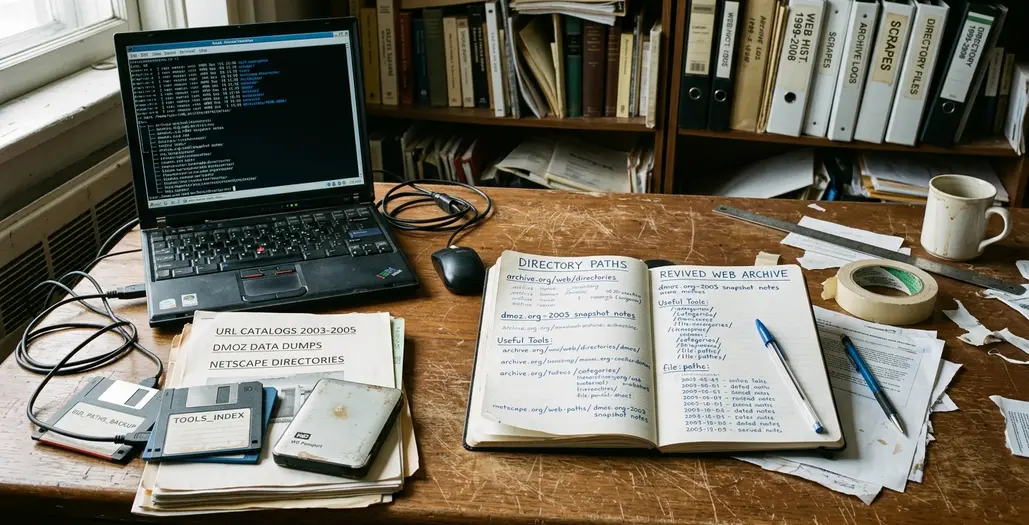
Broad hierarchical directory culture shaped these habits, but regional portals gave the structure a local accent. The same category name could mean something different on a desert tourism page, a university town guide, or an island community links page.
Field Note: A directory category shows how a place was presented online at that moment, not every resident, business, or cultural group in the place.
What They Revealed That Search Engines Often Flattened
The value sits in adjacency.
A directory that places a library page beside a county fair, a school project, a civic club, and a local museum is doing more than storing links. It is preserving a small civic arrangement. Modern keyword search tends to prioritize matching terms and visible popularity. Place-based browsing often preserved nearby relationships and editorial judgment.
That texture matters for anyone studying web history, writing about local culture, or simply trying to understand a place before it became a set of map pins. Regional directories surfaced civic clubs, independent museums, county fairs, niche hobby groups, library pages, tourism boards, school projects, and personal pages about specific towns. Some of those pages were modest. Some were clumsy. Many were more revealing because of it.
A personal page about a fishing village might sit in the same local section as a chamber listing and a school mascot page. No single entry carries the whole story, but the grouping suggests what the directory maker thought a visitor should notice.
Bottom Line: Regional directories are valuable because they show what people thought belonged together in a place.
For archivists, educators, and writers, the practical move is to treat each useful entry as a lead. Check it against dated captures and local sources before turning it into evidence. A page can be culturally rich and still be incomplete.
How to Read One Like a Research Tool
Start with the top-level region and stay there for the first five minutes. Do not open every tempting outbound link yet. The structure is the artifact. Once the reader begins hopping from site to site, the directory’s own logic starts to fade.
Regional Directory Reading Checklist
- Start at the top-level place page before opening individual links.
- Copy the full category path, not just the linked site name.
- Mark whether the directory sounds official, visitor-facing, community-made, or institutional.
- Check capture dates before treating a link as evidence.
- Notice whether tourism categories dominate the first screen.
After the first scan, map the category structure. Look for repeated institutions: libraries, schools, municipal offices, chambers of commerce, local newspapers, historical societies, colleges, tourism boards. Repetition often tells the reader which organizations had the time, web access, or local authority to appear again and again.
For each useful entry, record four details: directory title, category path, linked site name, and the date or archived capture when available. That small habit prevents a common archival muddle, where a page found through a directory gets separated from the browsing path that gave it meaning.
Editorial intent often hides in ordinary words. Watch for labels such as “official,” “recommended,” “community,” “visitor guide,” “resources,” and “local favorites.” “Official local links” carries a different tone from “our favorite places.” “Community resources” points somewhere else again.
Web archives help with this work because old pages need time context. The Library of Congress Web Archiving program is one useful reference point for understanding why capture dates and surrounding web context matter. Even then, an archived directory is not a sealed specimen; captures can miss images, scripts, linked pages, or nearby updates that shaped the original browsing experience.
The Mistakes That Make Old Directories Misleading
Do not read a directory as a census of a place. Inclusion depended on submission habits, editor attention, technical access, and the directory’s purpose. A lively informal group may be absent because nobody submitted it. A quiet business may appear because its owner knew the webmaster.
Scope labels usually give the first warning. “Tourism,” “visitor information,” “business directory,” “community resources,” and “official local links” are not interchangeable. A visitor guide for a resort town may overrepresent lodging, restaurants, attractions, and seasonal activities while barely showing ordinary civic life. A university-maintained local list may surface libraries, public agencies, schools, and cultural institutions more reliably than small businesses or informal neighborhood groups.
Link rot creates a second trap. A current page at an old URL can be a replacement, domain resale, redesign, or unrelated site, so the live page should not be assumed to match the directory’s original target. When archived captures exist, compare the live URL with a capture from roughly the same one-to-two-year period as the directory page.
Important: Verify important claims against at least one archived capture, one official local source, or one independent local reference before quoting a directory entry as evidence.
Time drift can be subtle. A restaurant site may keep the same domain after a new owner changes the cuisine. A museum page may move from a volunteer-built site to a polished institutional one. The URL looks continuous, while the local meaning has shifted underneath it.
Tourism bias deserves special attention. If lodging, restaurants, attractions, and shopping occupy the first screen while schools, libraries, clubs, or municipal services appear lower or not at all, the directory is telling a visitor-facing story. That story may still be useful. It just should not stand in for everyday civic life.
Try a 20-Minute Place Discovery Exercise
The best way to feel the old directory logic is to use it under a small constraint. Twenty minutes is enough to find patterns, but not enough to disappear into every charming side link.
Choose one town, county, island, or neighborhood. Search for an old regional directory, town portal, visitor guide, or local links page. If several appear, pick the one with visible categories rather than the one with the prettiest design.
The timed pass
- Minutes 1-4: Find a directory or local links page for the place.
- Minutes 5-9: Scan the category structure without opening outbound links.
- Minutes 10-16: Place five directory entries into three columns: “official life,” “everyday culture,” and “visitor-facing identity.”
- Minutes 17-20: Write one sentence explaining what the directory makes the place seem to be.
The three columns keep the reading honest. “Official life” might include municipal offices, schools, public agencies, and libraries. “Everyday culture” might hold clubs, hobby groups, local newsletters, churches, fairs, and personal town pages. “Visitor-facing identity” will catch lodging, restaurants, attractions, tours, festivals, and scenic claims.
Do not try to finish the place. That is not the exercise. The goal is to notice how the directory arranges local meaning before a search engine rearranges it around keywords.
Choose one unfamiliar category label and follow it before doing a keyword search.